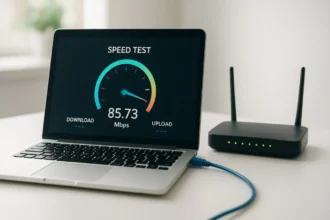
Introduction
In today’s connected world, stable and fast WiFi is no longer a luxury—it is a necessity. Whether you are working remotely, running an online business, streaming content, or managing smart devices, network performance directly affects productivity. A Wireless Network Analyzer is a powerful tool that helps users understand, monitor, and optimize their wireless networks for maximum efficiency.
Many people face slow internet speeds, dropped connections, and inconsistent WiFi coverage without knowing the real cause. In most cases, these issues are related to interference, poor channel selection, weak signal strength, or overloaded networks. A analyzer provides detailed insights into how your WiFi network operates and where improvements are needed.
This article is written using real networking experience and industry best practices. It explains what a wireless network analyzer is, how it works, its benefits, popular tools, and how to use it effectively to improve wireless performance at home or in professional environments.
What Is a Wireless Network Analyzer?
Definition and Purpose
A wireless network analyzer is a software or hardware tool used to scan, analyze, and diagnose WiFi networks. It collects data about signal strength, channel usage, interference, and connected devices to help users optimize their wireless setup.
These tools are commonly used by:
-
Home users troubleshooting WiFi issues
-
IT professionals managing office networks
-
Network engineers optimizing enterprise systems
By providing visual and numerical data, wireless network analyzers turn complex network behavior into actionable insights.
How a Wireless Network Analyzer Works
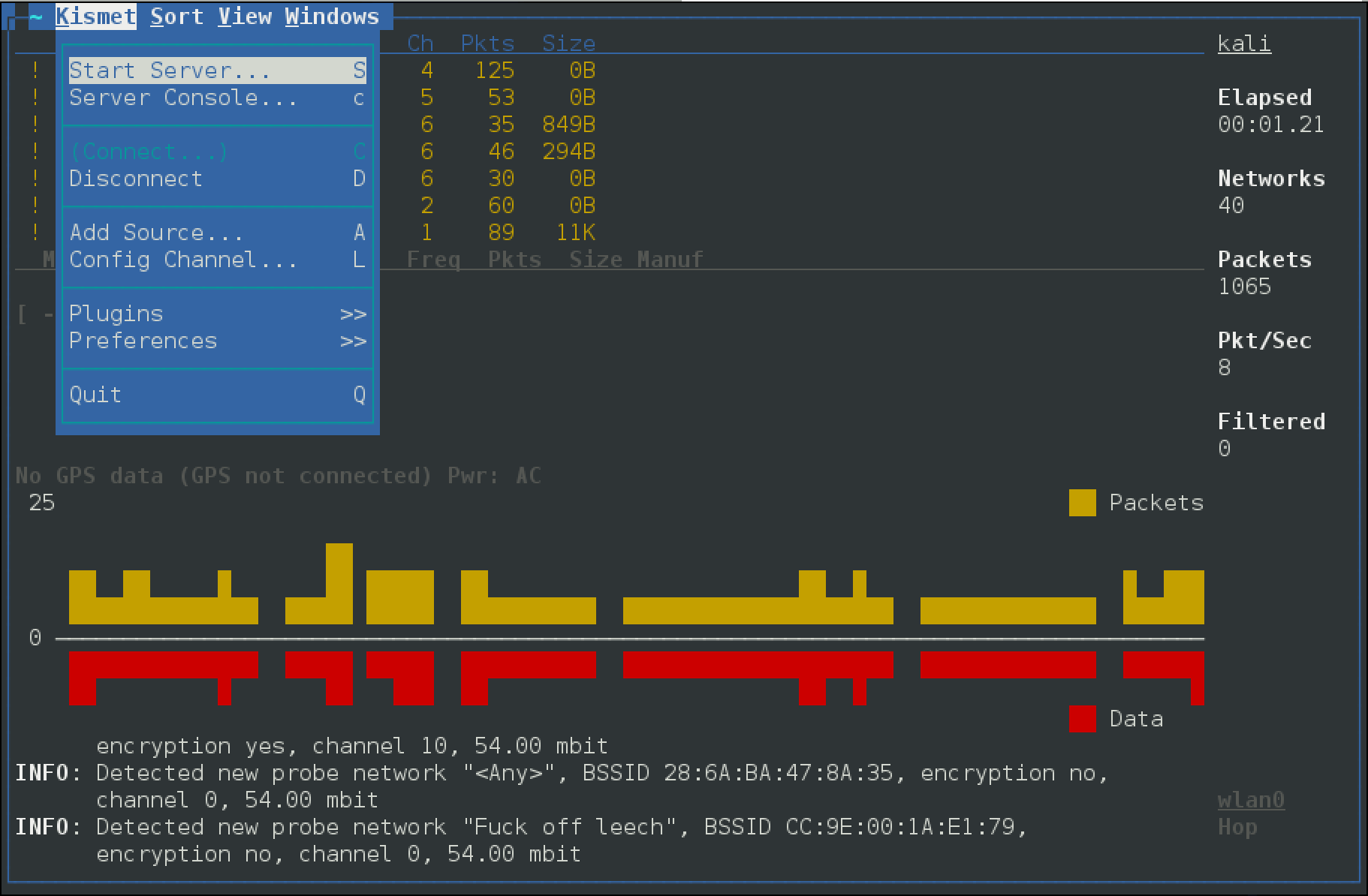
A wireless network analyzer scans nearby wireless signals and displays information such as:
-
SSIDs (network names)
-
Signal strength (dBm)
-
WiFi channels
-
Frequency bands (2.4 GHz, 5 GHz, 6 GHz)
-
Interference sources
This data helps users make informed decisions about router placement, channel selection, and network configuration.
Key Features of a Wireless Network Analyzer
Signal Strength and Coverage Analysis
One of the main features of a wireless network analyzer is signal strength measurement. It shows how strong or weak the WiFi signal is across different locations.
Benefits include:
-
Identifying dead zones
-
Improving router placement
-
Optimizing coverage
Strong signals ensure stable connections and better speeds.
Channel and Interference Detection
WiFi networks operate on shared channels. Congestion occurs when multiple networks use the same channel.
A wireless network analyzer helps by:
-
Showing crowded channels
-
Recommending less congested channels
-
Reducing interference from neighboring networks
This directly improves speed and stability.
Popular Wireless Network Analyzer Tools
Free Wireless Network Analyzer Tools
Free tools are ideal for home users and beginners.
Popular free options include:
-
WiFi Analyzer (Android)
-
NetSpot (Basic version)
-
InSSIDer (Limited features)
These tools provide essential data such as signal strength and channel usage.
Professional and Advanced Tools
For businesses and IT professionals, advanced wireless network analyzer tools offer deeper insights.
Examples include:
-
Acrylic Wi-Fi Professional
-
Ekahau HeatMapper
-
SolarWinds WiFi Analyzer
These tools support heatmaps, device tracking, and detailed reporting, improving network reliability.
Benefits of Using a Wireless Network Analyzer
Improved Network Performance
By analyzing signal quality and interference, users can significantly enhance WiFi speed and stability.
Performance improvements include:
-
Faster downloads
-
Lower latency
-
Stable video calls
-
Better gaming experience
Better Security Awareness
Some wireless network analyzers detect unknown or unauthorized networks nearby, helping users identify potential security risks.
This improves trustworthiness and network safety.
Efficient Troubleshooting
Instead of guessing, users rely on real data to fix problems, saving time and reducing frustration.
How to Use a Wireless Network Analyzer Effectively
Step-by-Step Usage Guide
-
Install a wireless network analyzer on your device
-
Scan available WiFi networks
-
Check signal strength and channels
-
Identify interference or weak coverage areas
-
Adjust router settings accordingly
This simple process helps optimize WiFi performance.
Testing Multiple Locations
Move around your home or office while scanning to:
-
Detect dead zones
-
Measure signal drop-offs
-
Identify coverage gaps
Testing multiple locations ensures accurate results.
Real-World Example: Wireless Network Analyzer in Action
Before using a wireless network analyzer:
-
Slow WiFi in bedroom
-
Frequent disconnections
-
Video buffering
After analysis:
-
Detected heavy channel congestion
-
Switched router to a less crowded channel
-
Repositioned router
Results:
-
Signal strength improved by 20 dBm
-
Stable connections
-
Faster streaming and browsing
This demonstrates the practical value of wireless network analyzers.
Wireless Network Analyzer for Home vs Business Use
Home Networks
Home users benefit from basic analyzers for:
-
Speed optimization
-
Coverage improvement
-
Router placement decisions
Business and Enterprise Networks
Businesses use advanced analyzers for:
-
Network planning
-
Performance monitoring
-
Security auditing
-
Scalability management
Professional tools support E-E-A-T by ensuring reliability and expertise.
Common Mistakes When Using Wireless Network Analyzers
-
Relying only on signal bars
-
Ignoring channel congestion
-
Not testing different locations
-
Using outdated analyzer software
Correct usage ensures accurate results and better optimization.
Future of Wireless Network Analysis
With the growth of:
-
WiFi 6 and WiFi 6E
-
Smart homes
-
IoT devices
Wireless network analyzers will become even more essential. AI-based analysis and automated optimization are shaping the future of wireless networking.