Introduction: Why Router Performance Check Is Essential
In today’s digital world, internet speed and stability are crucial for work, streaming, gaming, and remote learning. Many people blame slow internet on their service provider, but often the router performance is the key factor. Performing a router performance check helps identify bottlenecks, improve speed, and enhance overall network reliability.
A router acts as the central hub for your internet, connecting devices like computers, smartphones, smart TVs, and IoT gadgets. Over time, outdated hardware, firmware issues, or network congestion can reduce router efficiency. Regular performance checks ensure that your router delivers consistent speed, low latency, and optimal coverage.
This article explains what a router performance check involves, why it’s necessary, tools to test your router, and actionable tips to optimize network performance.
Understanding Router Performance
What Is Router Performance?
Router performance refers to how efficiently a router handles data traffic between devices and the internet. High performance means fast data transfer, low latency, strong signal strength, and the ability to support multiple devices simultaneously.
Key metrics to measure router performance:
-
Speed (Mbps): The rate of data transfer.
-
Latency (ms): Delay in data transmission.
-
Throughput: Actual data successfully transmitted over a network.
-
Packet Loss: Percentage of data lost during transmission.
-
Coverage: Range of Wi-Fi signal strength.
Why Router Performance Matters
Router performance impacts:
-
Streaming quality: Buffer-free 4K videos.
-
Gaming experience: Low lag and stable connection.
-
Work efficiency: Smooth video calls and fast downloads.
-
Smart home functionality: Reliable IoT device connectivity.
Poor router performance can lead to slow internet, frequent disconnections, and frustration, even if your ISP provides high-speed plans.
How to Perform a Router Performance Check
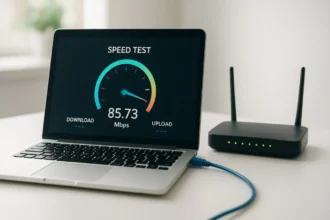
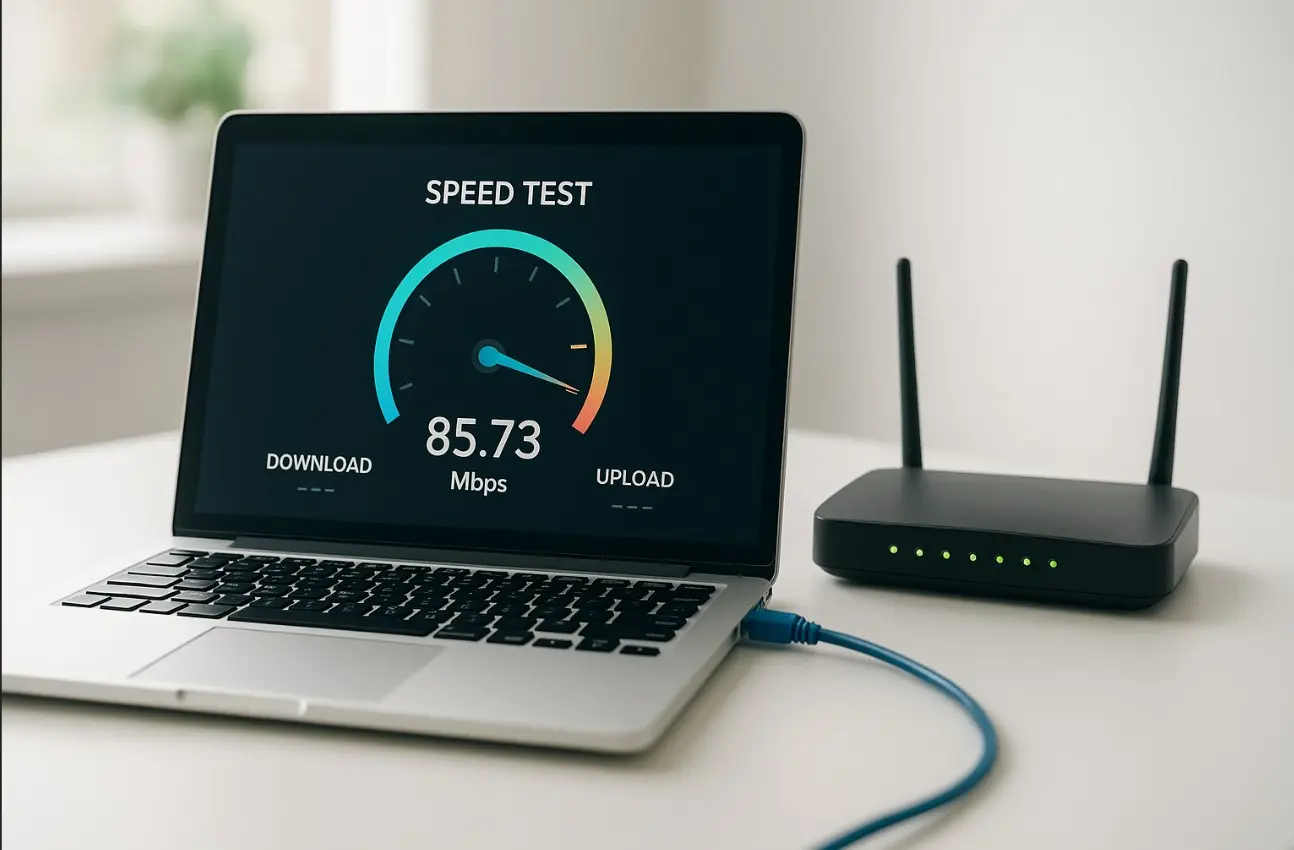
Step 1: Check Your Internet Speed
Use online tools like:
-
Speedtest.net
-
Fast.com
-
DSLReports
Compare the results with your ISP’s advertised speed. Test both wired (Ethernet) and wireless (Wi-Fi) connections to see if the router or network setup is limiting performance.
Step 2: Measure Latency and Ping
High ping affects gaming, VoIP calls, and online meetings. Use command prompt (Windows: ping google.com, Mac: ping -c 10 google.com) or online tools to measure latency. Ideal latency:
-
0–30 ms: Excellent
-
30–60 ms: Good
-
60–100 ms: Fair
-
100+ ms: Poor
Step 3: Check Wi-Fi Signal Strength
Signal strength affects coverage in your home or office. Tools like:
-
NetSpot
-
Acrylic Wi-Fi
-
Wi-Fi Analyzer (Android)
Check different rooms for dead zones and weak signals. Signal levels:
-
-30 to -50 dBm: Excellent
-
-50 to -60 dBm: Good
-
-60 to -70 dBm: Fair
-
-70+ dBm: Weak
Tools for Router Performance Check
-
Speed Test Tools – Measure download/upload speeds and latency.
-
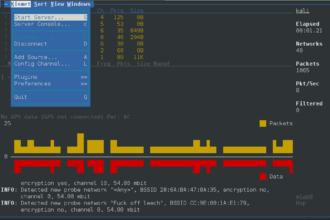
Wi-Fi Analyzers – Identify interference, optimal channels, and signal strength.
-
Router Management Apps – Provided by brands like Netgear, TP-Link, or Asus.
-
Network Monitoring Software – Advanced tools like PRTG, Wireshark, or SolarWinds.
These tools provide data-driven insights to optimize your router performance efficiently.
Common Issues Affecting Router Performance
Outdated Router Hardware
Old routers may not support high-speed plans or modern Wi-Fi standards like Wi-Fi 6. Upgrading your router can significantly improve performance.
Network Congestion
Multiple devices connected simultaneously may overload the router, reducing speed. Heavy usage like 4K streaming, video calls, and online gaming together can slow performance.
Interference and Obstructions
Physical obstructions (walls, furniture) or interference from other electronics reduce Wi-Fi range and speed. Using the 5 GHz band and placing the router centrally helps mitigate this.
Firmware Issues
Router firmware controls internal functions. Outdated firmware can cause connectivity issues or security vulnerabilities. Regular firmware updates improve stability and security.
Tips to Optimize Router Performance
Upgrade Your Router
Invest in modern routers with:
-
Dual-band or tri-band Wi-Fi
-
MU-MIMO support for multiple devices
-
Latest Wi-Fi standards (Wi-Fi 5/6/6E)
-
Strong antennas for wide coverage
Optimize Router Placement
-
Place the router in a central, elevated position
-
Avoid enclosed spaces and electronic interference
-
Keep it away from microwaves, cordless phones, and Bluetooth devices
Configure Settings
-
Select the least crowded Wi-Fi channel
-
Enable QoS (Quality of Service) to prioritize bandwidth
-
Use WPA3 security for safe connections
Reduce Device Load
Disconnect unused devices or schedule heavy downloads during off-peak hours. This reduces strain on the router and maintains consistent speeds.
Real-World Example
Imagine a household with 10 devices:
-
Before optimization: Streaming 4K videos buffers, online gaming lags, video calls drop.
-
After router performance check & optimization: Signal adjusted, firmware updated, QoS enabled, devices prioritized → Smooth streaming, lag-free gaming, stable calls.
This shows how a proper router performance check can dramatically improve internet experience.
Conclusion: Maximize Your Internet With Regular Router Performance Checks
A router performance check is essential for ensuring high-speed, stable, and reliable internet at home or in the office. By understanding performance metrics, using testing tools, optimizing placement and settings, and upgrading hardware when needed, you can prevent slowdowns and improve your digital experience.
Regular checks also extend your router’s life, reduce frustration, and allow your devices to work efficiently. Whether you are streaming, gaming, or working remotely, monitoring router performance ensures you get the most out of your internet plan.
FAQs About Router Performance Check
1. How often should I perform a router performance check?
At least once every 3–6 months or when experiencing slow speeds.
2. Can a router performance check improve Wi-Fi speed?
Yes, by identifying issues like interference, congestion, or outdated settings.
3. Do I need special tools for router performance check?
No, many free online tools and mobile apps provide accurate results.
4. Will upgrading my router help improve performance?
Yes, especially if the current router doesn’t support modern Wi-Fi standards or multiple devices.
5. Does placement of the router affect speed?
Absolutely. Central, elevated, and unobstructed placement improves coverage and signal strength.