Introduction
In today’s connected world, a Wireless Router Speed Test is essential for ensuring fast and reliable WiFi performance. With the increasing number of smart devices, streaming services, and online work requirements, knowing the true speed of your wireless network helps maintain seamless connectivity and troubleshoot potential issues.
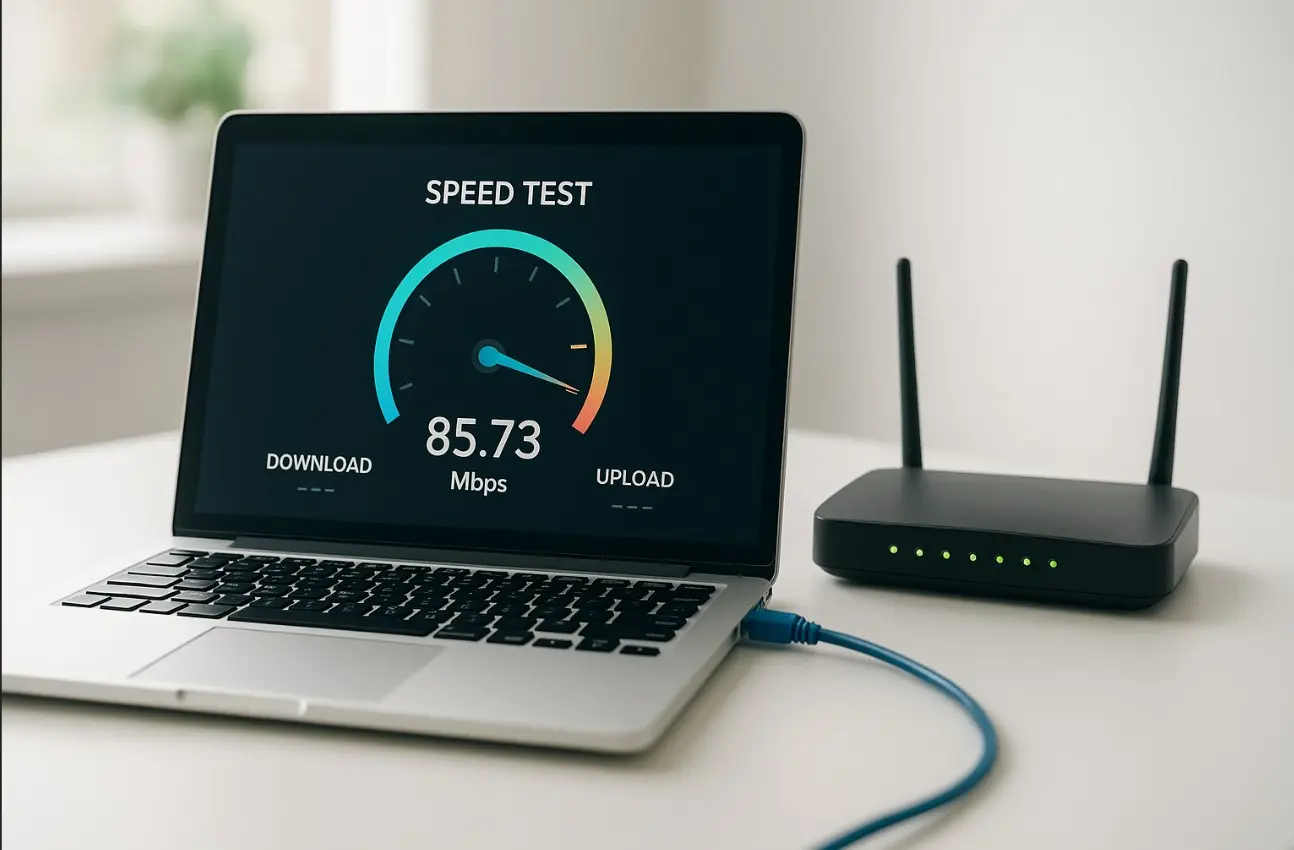
Wireless router speed tests measure the actual performance of your WiFi network, including download and upload speeds, latency, and network stability. By conducting regular speed tests, users can verify if their router delivers the speeds promised by their ISP and identify areas for improvement.
This guide explains what a wireless router speed test is, how to conduct it, factors affecting WiFi speeds, tips for accurate testing, and strategies to optimize your wireless network for peak performance.
What Is a Wireless Router Speed Test?
A wireless router speed test assesses the performance of your WiFi network. Key metrics include:
- Download speed: Data received from the internet to your device
- Upload speed: Data sent from your device to the internet
- Ping/latency: Time taken for data to travel to a server and back
- Jitter: Variation in latency affecting streaming and online gaming
Importance of Testing Your Wireless Router
- Verify that your router is delivering optimal performance
- Detect weak spots in your home or office WiFi coverage
- Troubleshoot connectivity issues and reduce buffering or lag
- Evaluate router performance when adding new devices
For example, streaming 4K content or participating in video conferences requires consistent WiFi speeds. A speed test can reveal whether your router supports these activities without interruptions.
How to Perform a Wireless Router Speed Test
Conducting a wireless router speed test requires the right approach to ensure accurate results.
Step-by-Step Guide
- Connect your device to the WiFi network you want to test.
- Close background applications that consume bandwidth.
- Use a reliable speed test tool such as Speedtest.net, Fast.com, or your router’s built-in testing feature.
- Run the download and upload tests.
- Note latency and jitter results.
- Repeat tests in different locations within your home or office for coverage analysis.
Real-World Example
Testing your router speed in different rooms can reveal dead spots or areas with weak signal strength. Relocating the router or using range extenders can significantly improve performance.
Factors Affecting Wireless Router Speed
Several variables influence WiFi performance and can impact speed test results.
Common Factors
- Router hardware: Older routers may not support high-speed connections
- WiFi standards: Devices supporting WiFi 5 or WiFi 6 perform better
- Interference: Other networks, electronic devices, or thick walls
- Distance from router: Greater distance reduces signal strength
- Number of connected devices: High device density can slow speeds
Understanding these factors allows users to troubleshoot and optimize their network effectively.
Tips for Accurate Wireless Router Speed Testing
Accuracy ensures you get a true representation of your WiFi performance.
Best Practices
- Test devices near the router for baseline speed
- Avoid peak network usage times during testing
- Use multiple devices to verify consistency
- Test both 2.4 GHz and 5 GHz bands for coverage
- Update router firmware for optimal performance
Tools for Testing
- Online speed test platforms (Speedtest.net, Fast.com)
- Router’s built-in speed test utility
- Mobile apps provided by ISPs for WiFi performance testing
How to Improve Wireless Router Speeds
Optimizing your WiFi network ensures faster and more reliable connectivity.
Practical Solutions
- Position the router centrally for maximum coverage
- Upgrade to a modern router supporting higher WiFi standards
- Use wired connections for critical devices
- Reduce interference by changing WiFi channels
- Employ WiFi range extenders or mesh networks for large spaces
Advanced Tips
- Enable Quality of Service (QoS) to prioritize critical traffic
- Limit devices on the network during peak usage
- Use dual-band routers for better performance
Benefits of Performing Wireless Router Speed Tests
- Verify router performance against ISP speeds
- Identify coverage gaps and weak spots
- Optimize streaming, gaming, and video conferencing
- Ensure smooth connectivity for multiple devices
- Make informed decisions about router upgrades
Conclusion
A Wireless Router Speed Test is a critical tool for understanding and optimizing your WiFi network. By measuring download and upload speeds, latency, and coverage, users can troubleshoot connectivity issues and enhance overall network performance. Regular testing and optimization ensure reliable internet access for streaming, gaming, work, and everyday online activities.
FAQs
1. What is a wireless router speed test?
A tool that measures WiFi network performance, including download/upload speeds and latency.
2. Why should I test my router’s speed?
To verify router performance, troubleshoot connectivity issues, and optimize WiFi coverage.
3. What factors affect WiFi speeds?
Router hardware, WiFi standards, interference, distance, and the number of connected devices.
4. How can I improve my wireless router speed?
Reposition the router, upgrade hardware, reduce interference, or use range extenders.
5. Are WiFi speeds consistent across all rooms?
No, speeds may vary due to distance, obstacles, and interference.